Use Android Phone Display As Second Screen With PC or Mac


If you use to have dual or been triple monitor setup at your workplace for all your tasks but now you are sitting in your home with just your laptop. Well, there is a way you can use your Android smartphone as an external monitor for your desktop or laptop. This app is called Spacedesk and here is a little guide on how to use it.

Using the Spacedesk app to extend your desktop to your smartphone is as easy as a pie. No need to connect wires or writing IP addresses and passwords to connect. You just need to be on the same WiFi connection and it works perfectly.

To get the best performance out of it, make sure that you use an Android tablet if handy, then your smartphone. Also, make sure to connect your PC and Android smartphone to connect to a faster 5G band so you won’t see latency in your secondary display.

Steps to use Android as an extended screen for PC

  1. Download the Spacedesk app on your Android smartphone from Google Play Store.
  2. Download and install the Spacedesk server on your PC from the official website.
  3. Make sure both, the Android smartphone and the PC are connected to the same WiFi.
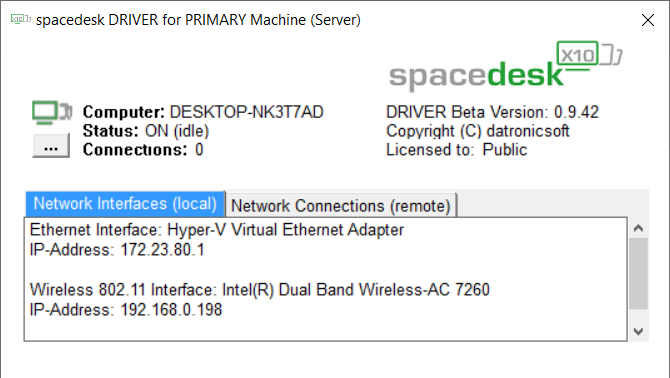
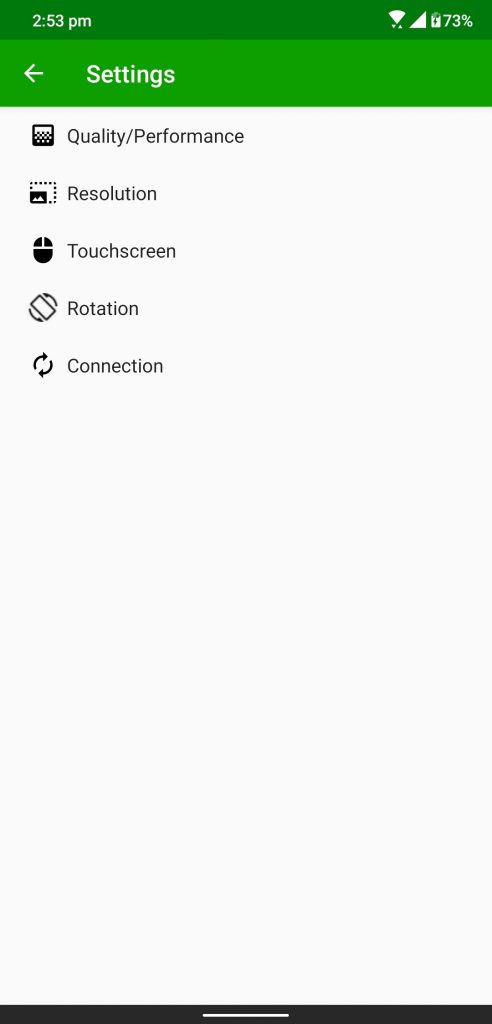
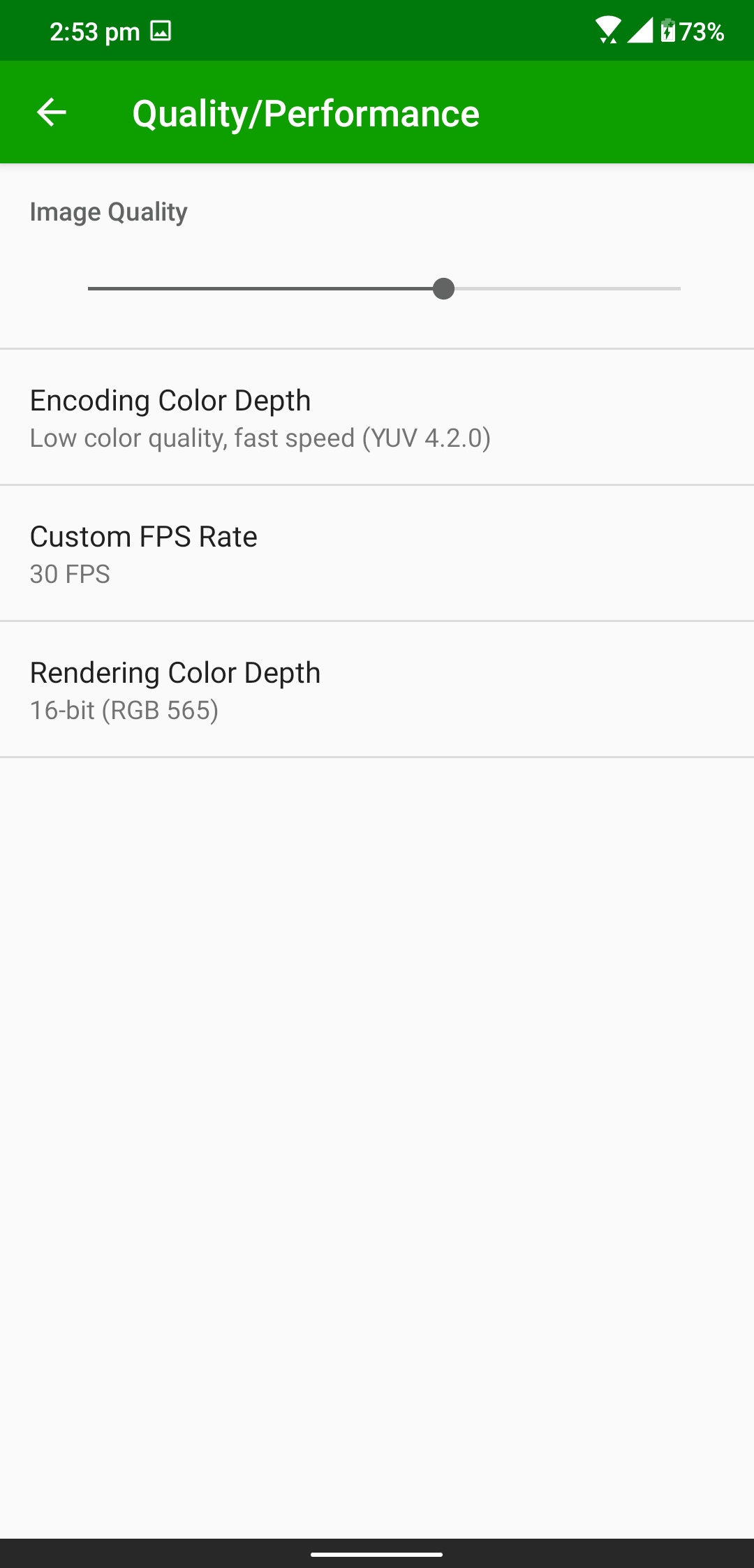
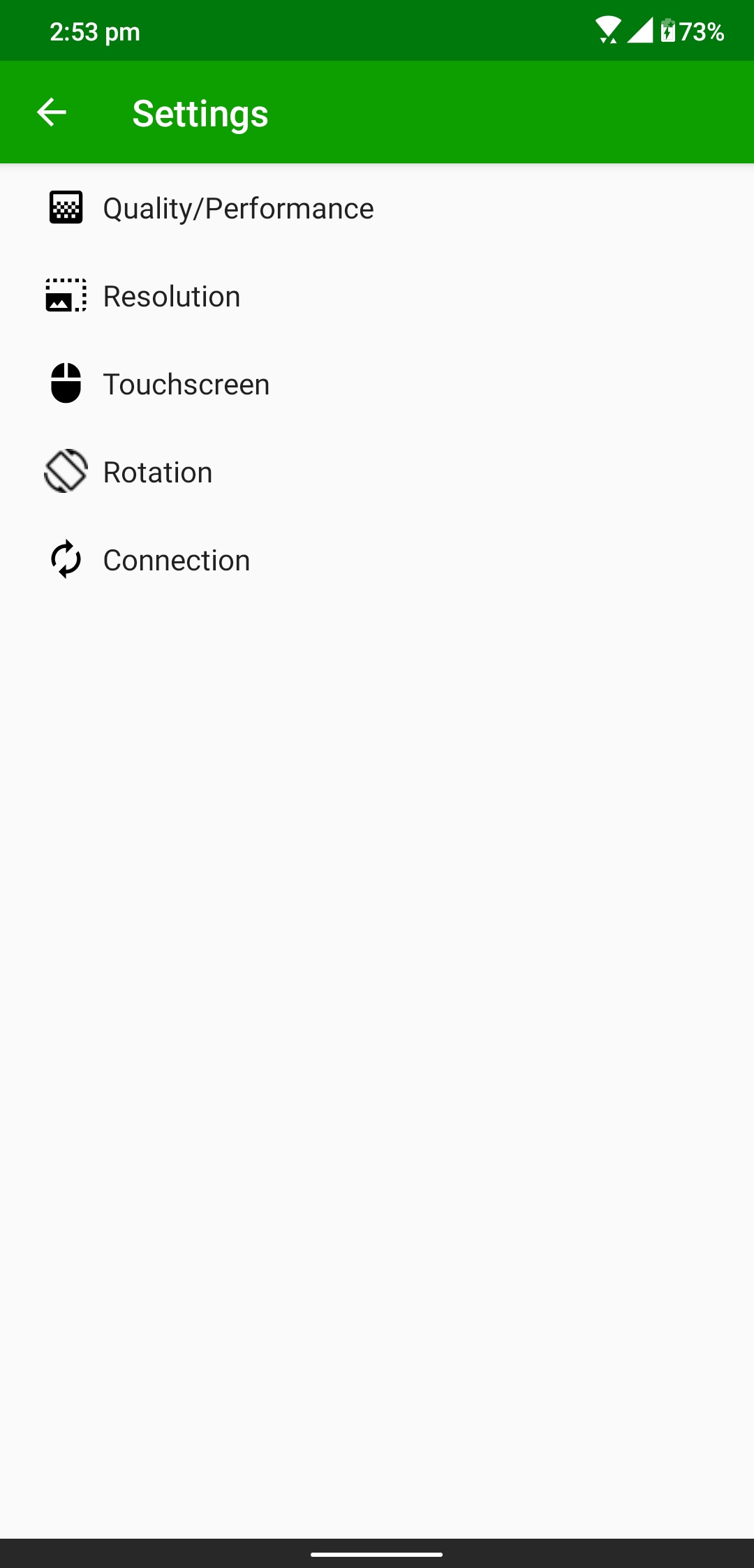
  4. Launch the Spacedesk app on the smartphone and the Spacedesk server on the PC.
  5. he Spacedesk app on the smartphone will detect your PC, tap on the Connection link.
  6. The PC will be connected to the smartphone in no time and the desktop will extend automatically to the smartphone screen.
  7. Now you can use your phone as an extended display for your desktop.

Comments

Popular posts from this blog

Google removes 300 Android apps that secretly hijacked phones for DDoS attacks

Around  300 apps have been withdrawn  from Google’s Play Store after they were found to be secretly hijacking Android devices to supply traffic for wide-scale distributed denial of service (DDoS) attacks, as noted by  Gizmodo . Google removed apps that offered services like ringtones and storage managers after security researchers uncovered the “WireX” botnet was behind the ploy. Malware was hidden inside the affected apps, and as long as the device remained switched on it was used in DDoS attacks. Researchers at cloud services provider Akamai discovered WireX after a hospitality company suffered from a DDoS attack involving hundreds of thousands of IP addresses. DDoS attacks work by overwhelming a target with large amounts of data from multiple IP addresses, and they’re effective at taking down websites and services that can’t cope with a data influx. Google said in a statement it’s currently in the process of removing the malicious apps from affected devices, an...

HTC Desire 20 Pro certified by Google Play, NCC

HTC’s glory days are well in the past, but the Taiwanese company is trying to stay relevant in the smartphone world. As spotted by a vigilant Twitter user, the Desire 20 Pro has been certified at NCC and Google Play Support. Previously the same phone appeared on Geekbench and in leaked schematics . The Google Play Support page mentions the same HTC 2Q9J1000 model number we saw earlier. Seeing how this is a Pro there is likely to be a vanilla version in the pipeline as well, but we haven't heard anything about it. HTC Desire 20 Pro certifications When the phones eventually arrive, they will be a follow-up of the Desire 19 lineup that brought us the Desire 19s and Desire 19+ . Both of them had unimpressive Helio chipsets (respectively P22 and P35) and the main camera was 13 MP f/1.9 with PDAF on both of them. Hopefully, this year’s Desire lineup will get in line with the current trends and introduce big batteries, fast charging, and better cameras if HTC w...